
Salon & spa guide
Best POS for Salons in Scottsdale and Phoenix
For most salons, the right POS is the one that fills your book and protects it from no-shows. Payments are the easy part.
Here’s how Square and Clover compare for salons, spas and barbershops, what a typical Scottsdale salon pays each month, and how to handle booth renters.
Quick answer
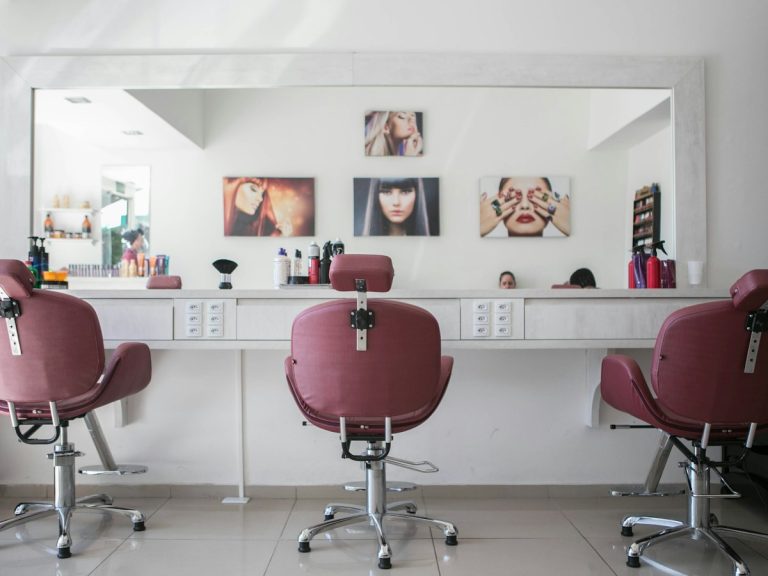
The short version
For most Scottsdale and Phoenix salons, Square is the best fit: online booking, reminders, client profiles and checkout in one system, starting at $0 a month plus 2.6% + 15¢ per payment. Move to Square Plus ($49 a month) when you have a team and want staff management and stronger no-show protection. Clover makes sense for larger spas that want premium countertop hardware or a cash discount program.
What matters
What a salon POS actually needs to do
- Online booking clients can use at 10 p.m. from Instagram or Google.
- Automatic reminders by text and email, because reminders are the cheapest no-show fix there is.
- Deposits or a card on file with a clear cancellation policy, so a no-show doesn’t cost you a whole slot.
- Client profiles with formulas, notes and visit history.
- Tips on the screen at checkout, split correctly by stylist.
- Retail inventory for the products on your shelf.
- Staff schedules and permissions once you have more than one or two people.
Side by side
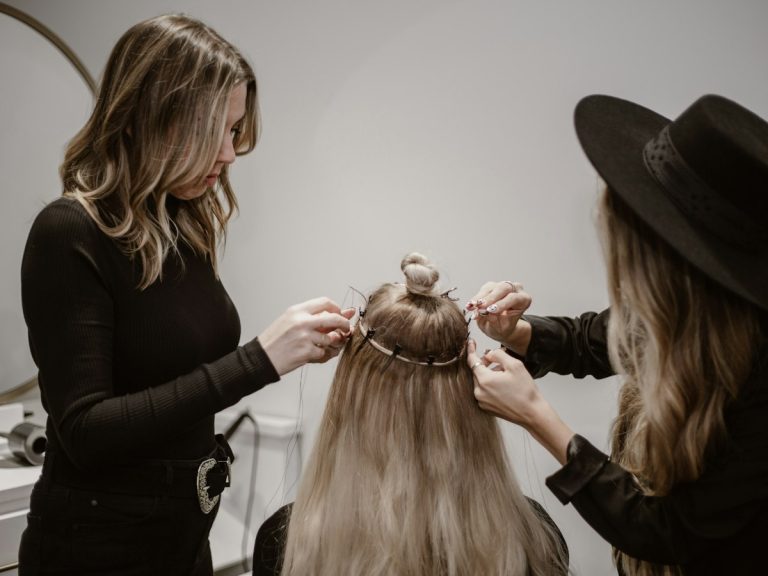
Square vs. Clover for salons
| Square | Clover | |
|---|---|---|
| Booking | Built in: online booking, reminders, client profiles | Available on the services plans, with online booking and reminders |
| Starting cost | $0/month on Square Free | Typically about $85/month for a services growth plan |
| Hardware | Phone, iPad, Terminal or Register, from $59 | Clover Mini, Flex or Station, from about $600 |
| No-show protection | Card on file and cancellation policies; some features need a paid plan | Depends on plan and apps |
| Cash discount / dual pricing | No built-in dual pricing; credit card surcharge available | Yes, through a processor |
| Best for | Solo stylists to mid-size salons | Larger spas, multi-location, cash discount programs |
Some salons also use dedicated booking software such as Vagaro, GlossGenius or Boulevard. Those can be great for marketing-heavy salons, but they add another monthly bill. For most owner-run salons we work with, Square’s built-in booking covers what they need.
Costs
What a Scottsdale salon would pay
A salon doing $35,000 a month in card sales with an $85 average ticket.
| Square Free | Square Plus | |
|---|---|---|
| Monthly software | $0 | $49 |
| In-person rate | 2.6% + 15¢ | 2.5% + 15¢ |
| Monthly total | About $972 (2.78%) | About $986 (2.82%) |
At this size Plus costs about $14 more a month, so you’d upgrade for the team features, not the rate. Two salon-specific costs to know:
- No-show and late-cancel fees charged to a saved card are card-not-present payments, at 3.5% + 15¢.
- Larger tickets help. Salon effective rates sit close to the headline rate because the 15¢ fee is small on an $85 service, unlike a coffee shop.
Full breakdown: what Square really costs.
Booth renters
How to handle booth and suite renters
Booth renters and salon suite operators in Scottsdale and Phoenix usually run as their own businesses, so each one should have their own Square account with their own booking page and deposits going to their own bank. That keeps your books clean and avoids you being responsible for their taxes and chargebacks.
A booth renter doing $6,000 a month with a $70 average ticket would pay about $169 a month on Square Free (2.81%), with no monthly fee. For employee-based salons, run one account with each stylist set up as a team member.
Setup tips
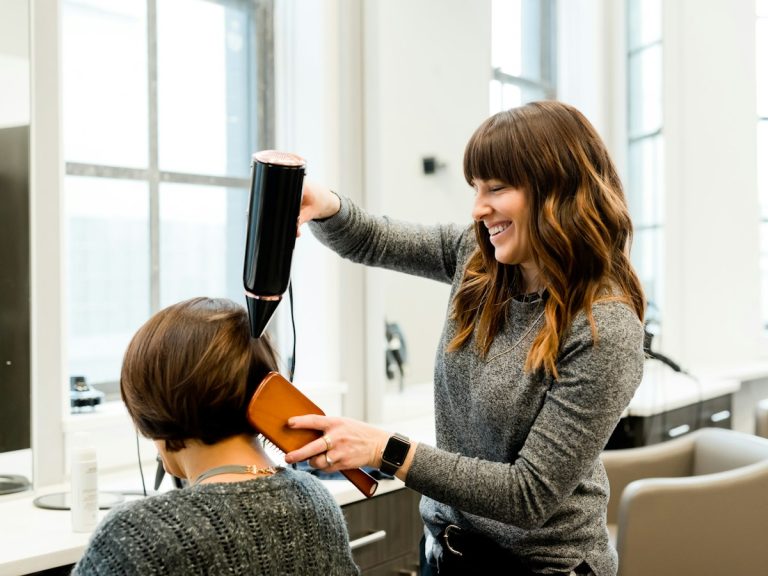
Setup tips that pay off fast
- Publish a cancellation policy on your booking page and require a card on file for new clients.
- Turn on two reminders: one the day before and one a few hours before.
- Set up services with real durations, including processing time for color, so the book doesn’t double up.
- Connect booking to Google so clients can book from your Business Profile.
- Add retail products with barcodes so stylists can ring them up in seconds.
Opening a salon or switching systems? Book a free consultation and we’ll set up your services, booking page and checkout on-site. See salon & spa POS, POS in Scottsdale and POS in Phoenix.
FAQ
Salon POS questions
What is the best POS system for a salon?
For most owner-run salons, Square is the best fit because booking, reminders, client profiles and checkout come in one system, with a free plan to start. Clover is a good option for larger spas that want premium countertop hardware or a cash discount program.
How much does a salon POS cost?
Square starts at $0 a month plus 2.6% + 15¢ per in-person payment, with Square Plus at $49 a month for teams. A salon doing $35,000 a month with an $85 average ticket pays about $970 a month in processing on Square Free.
Can Square charge no-show fees?
Yes. Square lets salons set a cancellation policy and keep a card on file, so no-show and late-cancel fees can be charged. Some no-show protection features require a paid plan, and charging a saved card costs 3.5% + 15¢.
Should booth renters have their own POS?
Usually, yes. Booth and suite renters typically run as separate businesses, so each should have their own account, booking page and bank deposits. That keeps the salon owner out of their taxes and chargebacks.
Is Square or Clover better for a spa?
Both work. Square is simpler and cheaper to start. Clover suits larger spas that want premium countertop stations, more app options or a cash discount program through a processor.
Sources: Square fees · Square pricing
Better rates and the right setup.
Book a free consultation with a local expert. We’ll review what you pay today and recommend the right setup for your business.
Free consultation
Tell us a little about your business. A local payments expert will reach out to help you choose the right setup.
No cost, no obligation. We never share your information.