
Professional Services · Phoenix & Tucson
Payments & Invoicing for Professional Services in Phoenix & Tucson
Send invoices, collect retainers and get paid faster, with fair processing rates and the right equipment, set up by a local team.
From accounting and law firms to consultants and agencies, we set up a simple way to bill clients and take payments in person or online.

Card processing
Card and ACH payments built for professional services
Invoices, retainers and larger tickets add up fast. We set up pricing and tools that get you paid sooner and keep fees in check.
Pricing in writing
Interchange-plus pricing, quoted in writing, with Level 2 and 3 data to lower costs on corporate cards.
Invoices & payment links
Send invoices clients pay online by card or bank transfer, with automatic reminders.
ACH for big tickets
Bank transfers for retainers and large invoices cost far less than cards.
Surcharging, done right
Card-brand compliant surcharge programs on credit cards only, with the right invoice wording.
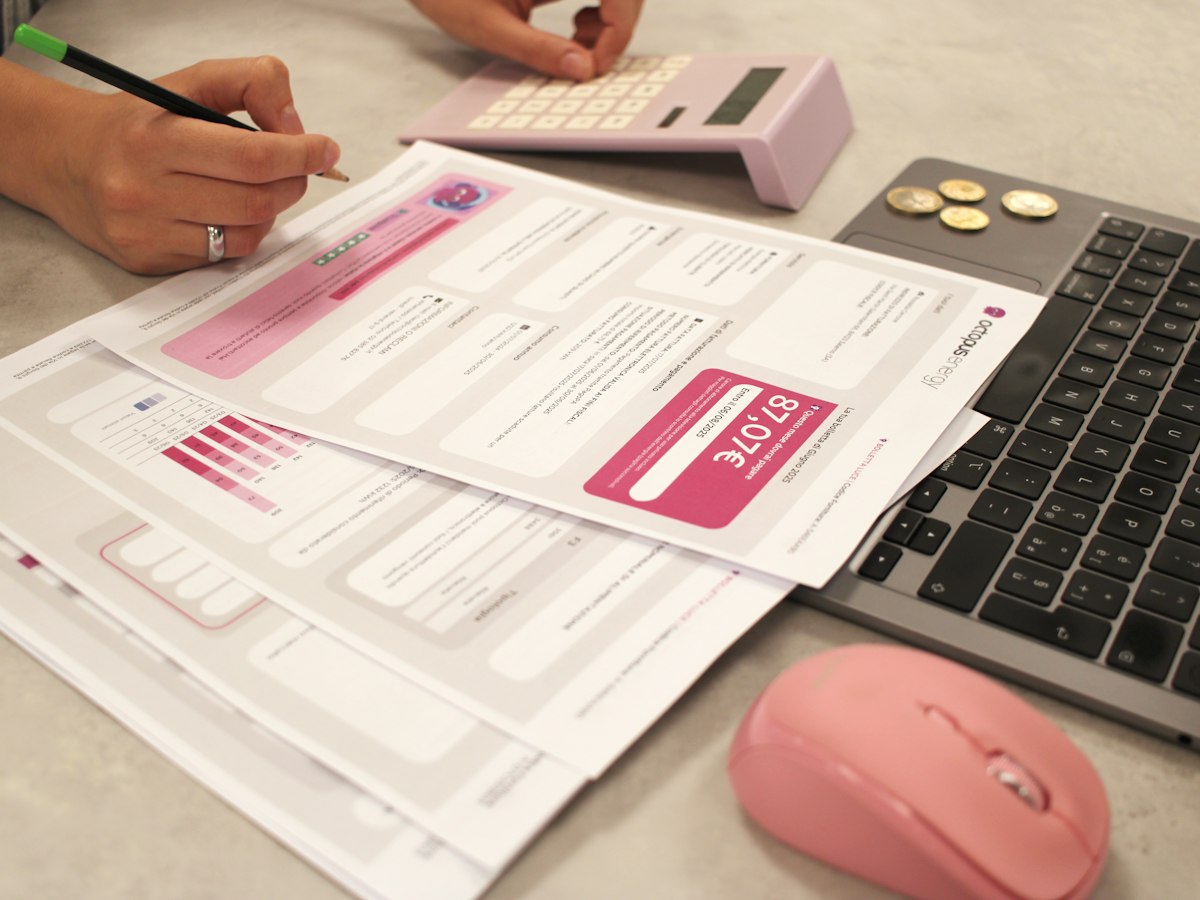
01Invoicing
Send invoices that get paid
Professional invoices clients can pay online in a few taps.
Key points
- Branded invoices. Send invoices with your logo by email or text.
- Online payment. Clients pay by card or other online methods from any device.
- Automatic reminders. Friendly reminders go out so you don’t have to chase.
- Deposits & partial payments. Request a deposit up front and the balance later.

02Recurring billing
Retainers and recurring billing on autopilot
Bill monthly clients automatically and keep cash flow steady.
Key points
- Recurring invoices. Schedule invoices to send every week, month or quarter.
- Cards on file. With permission, charge saved cards for retainers.
- Payment plans. Split larger projects into scheduled payments.
- Less admin time. Spend less time billing and more time with clients.

03In person & on the go
Take payments anywhere you meet clients
At your office, a client’s location or on a video call.
Key points
- Phone or tablet payments. Take cards with a small reader and your phone.
- Virtual terminal. Key in a card from your computer when a client calls.
- Payment links. Send a link by text or email to collect right away.
- Fast funding. Deposits to your bank account, with faster options available.

04Clients & reporting
Know your clients and your cash flow
Keep client records and payment history in one place.
Key points
- Client directory. Contact info, notes and full payment history.
- Estimates. Send estimates clients can approve before you start.
- Reports. See what’s paid, outstanding and overdue at a glance.
- Cost-saving options. Ask us about surcharge and cash discount programs.
Point of sale
The right setup for your firm
We work with Clover, Square and Valor PayTech, so we recommend what fits how you run, not one brand.
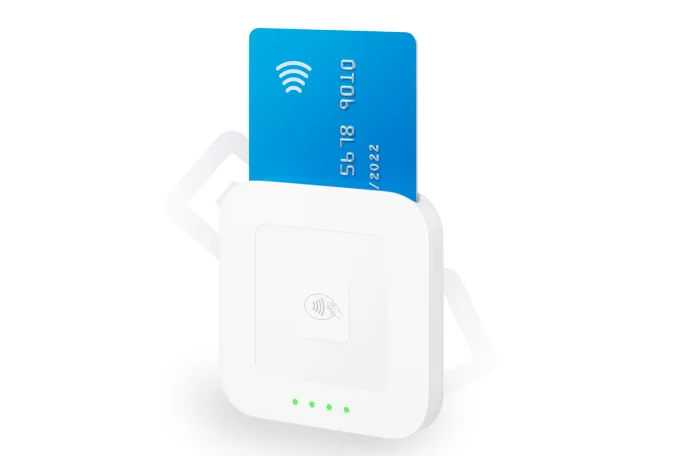
Great for invoice-first businesses
Square Invoices, estimates and payment links make billing clients simple.
- Invoices, estimates & payment links
- Recurring invoices & cards on file
- Low startup cost
Typical setupSquare Invoices + Reader for in-person
Explore Square POS →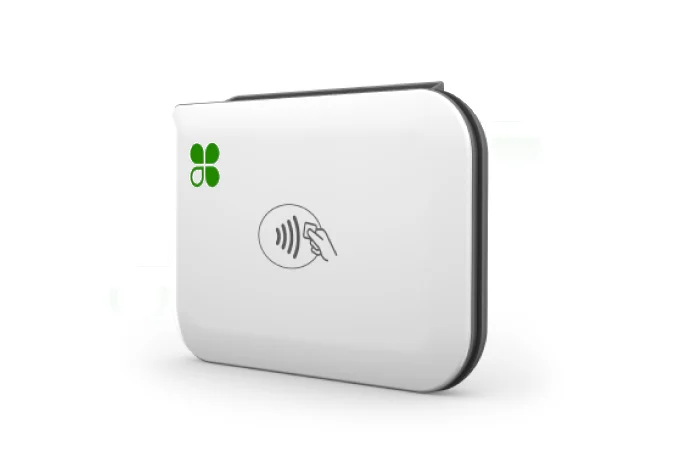
Great for an office front desk
Premium countertop hardware and a large app market, with flexible pricing programs.
- Premium countertop or mobile hardware
- Virtual terminal for phone payments
- Surcharge & cash discount options
Typical setupClover Mini at the office + Clover Go on the road
Explore Clover POS →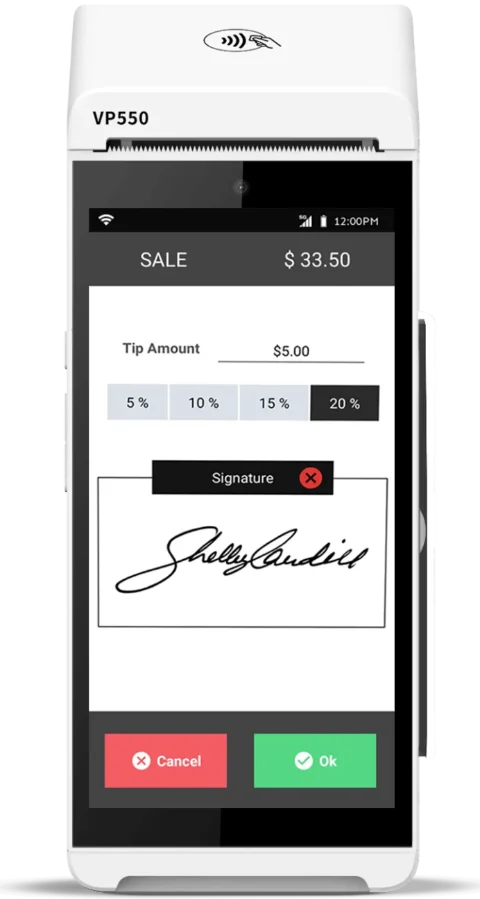
Great for payments-first setups
Smart terminals that take every payment type, with cash discount and dual pricing built in.
- Countertop & wireless terminals
- Cash discount & dual pricing built in
- Works alongside your current software
Typical setupValor countertop or wireless terminal
Ask about Valor →Not sure which fits? Ask us, or see our Square vs. Clover comparison.
How it works
Billing clients in four steps
- 1
Free consultation
We learn how you bill and where you meet clients.
- 2
Billing set up
Invoice templates, recurring billing and access set up for you.
- 3
On-site install
Hardware set up at your office and your team trained.
- 4
Local support
A real person in Phoenix & Tucson to call after launch.
FAQ
Professional services payment questions
What is the best payment system for a professional services business?
Most firms mainly need invoicing, recurring billing and an easy way to take cards. Square is a strong, low-cost option with invoices, estimates and payment links built in. Clover is a great choice if you want premium countertop hardware, add-on apps or a surcharge program. We’ll recommend the right fit.
Can I send invoices clients pay online?
Yes. The systems we set up let you send invoices or payment links by email or text that clients can pay from any device.
Can I bill retainers or monthly clients automatically?
Yes. You can schedule recurring invoices and, with the client’s permission, charge a saved card for retainers or monthly services.
Can I take a card over the phone?
Yes. A virtual terminal lets you securely key in a card from your computer when a client calls.
Can clients pay a deposit before work starts?
Yes. You can request a deposit on an invoice and collect the remaining balance when the work is done.
Do you offer surcharge or cash discount programs?
Yes. We offer surcharge, cash discount and dual pricing programs and will help you choose and set up the right one for your business.
Can you lower what I pay for card processing?
Often, yes. Send us a recent statement and we will show you exactly what you are paying and whether we can do better. If we cannot, we will tell you.
Better rates and the right setup.
Book a free consultation with a local expert. We’ll review what you pay today and recommend the right setup for your firm.
Free consultation
Tell us a little about your business. A local payments expert will reach out to help you choose the right setup.
No cost, no obligation. We never share your information.